SOL RISE
A calm, cloud-connected way to watch the sky from your window—paired hardware and an iPhone app for captures, history, and gentle sunset awareness.
What is Solrise?
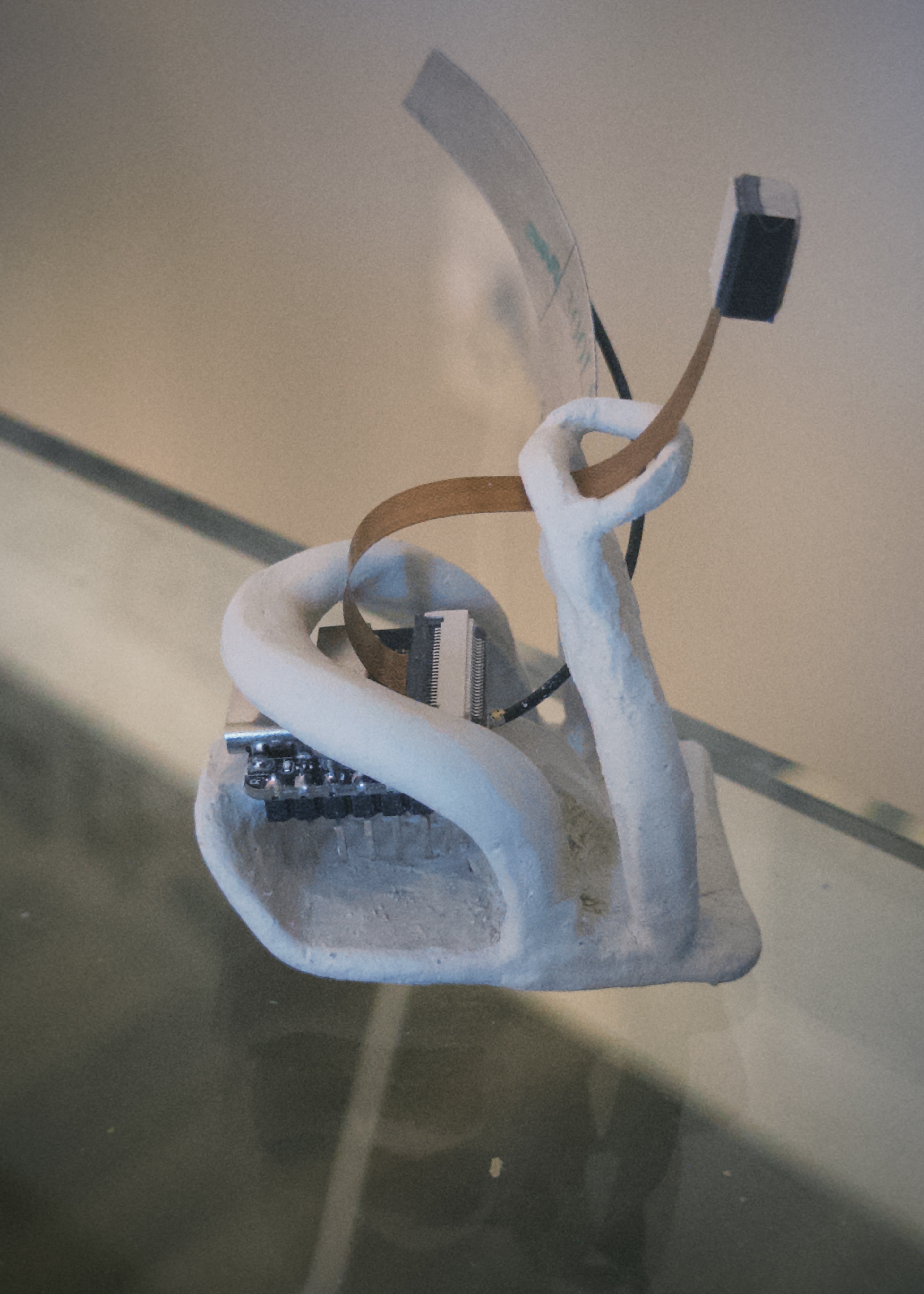
Solrise is built around a small device you place at the window and a mobile app you already carry. The device captures the scene on a schedule; the app and backend store, organize, and surface what matters—without you having to think about files or sync.
The stack is cloud-first: a TypeScript backend on Render, an Expo app for iOS, and ESP32-based firmware for uploads—so your gallery and notifications stay available wherever you are.
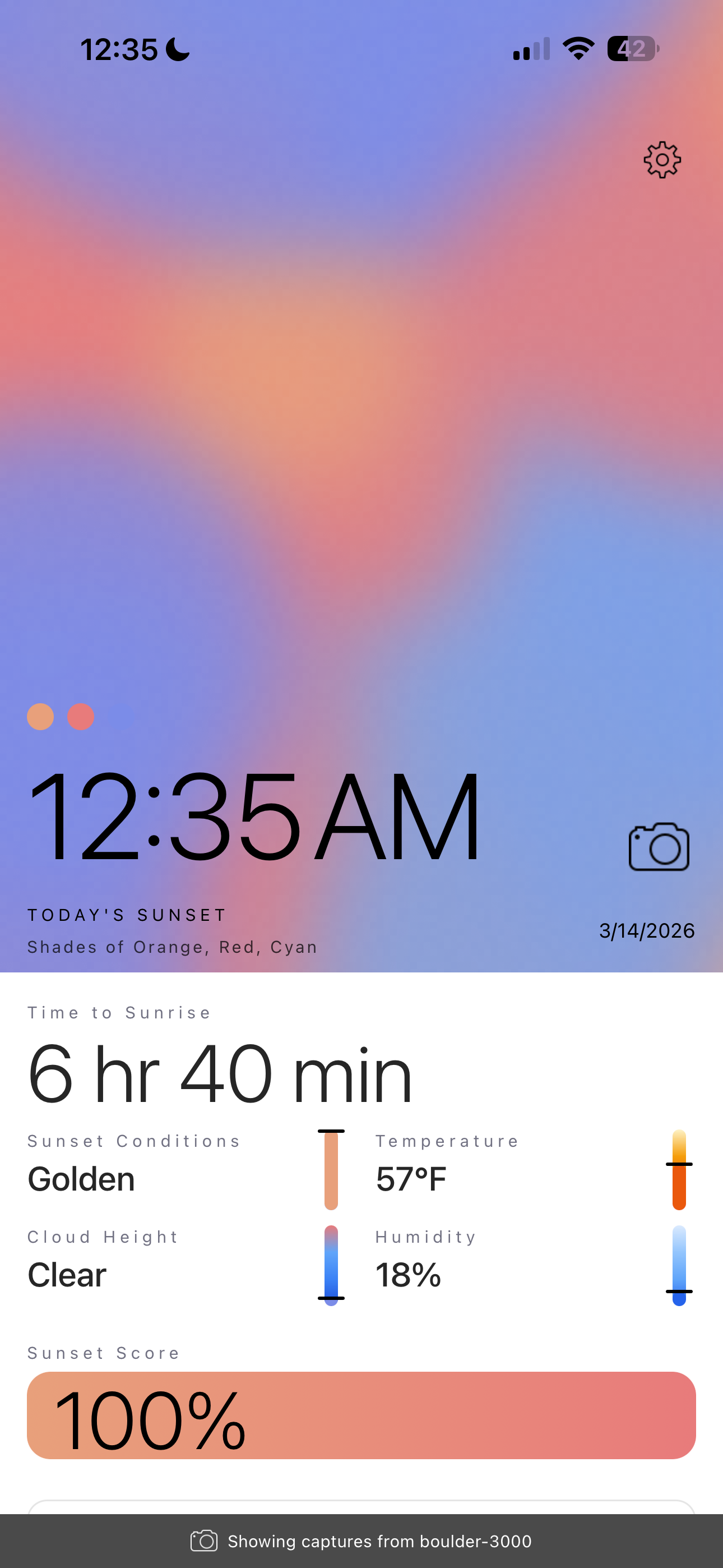
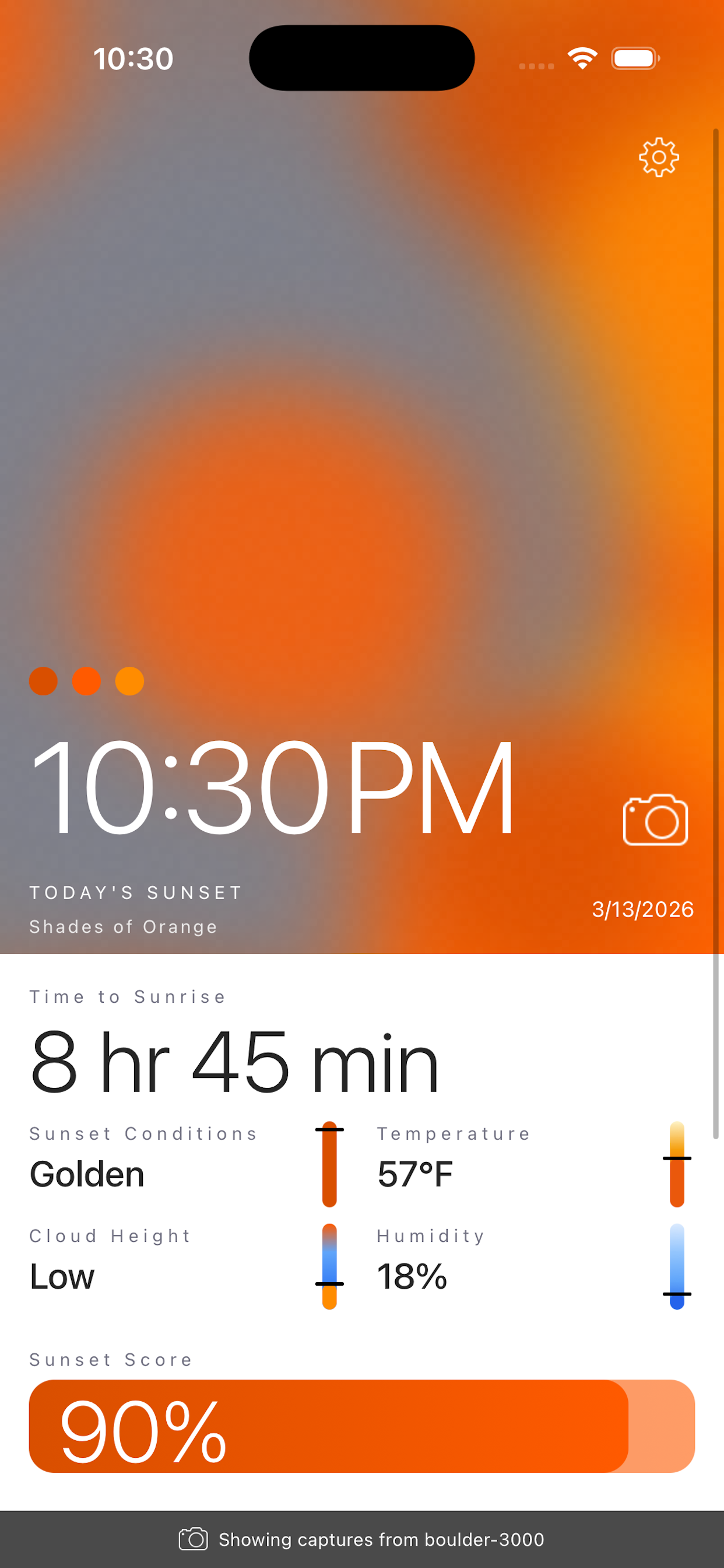
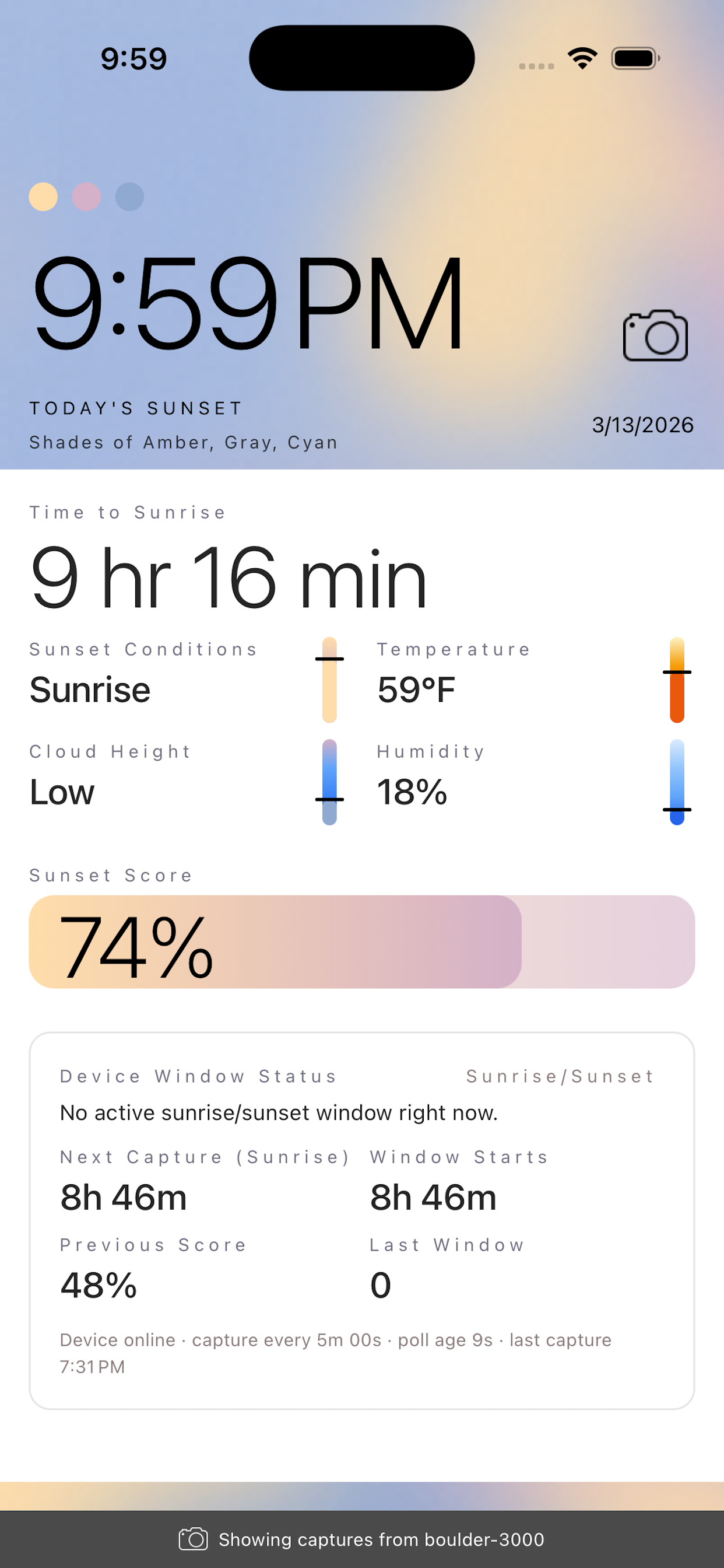
9:41
Shades of Teal, Violet, & Amber
4 hr 12 min
How we analyze your captures
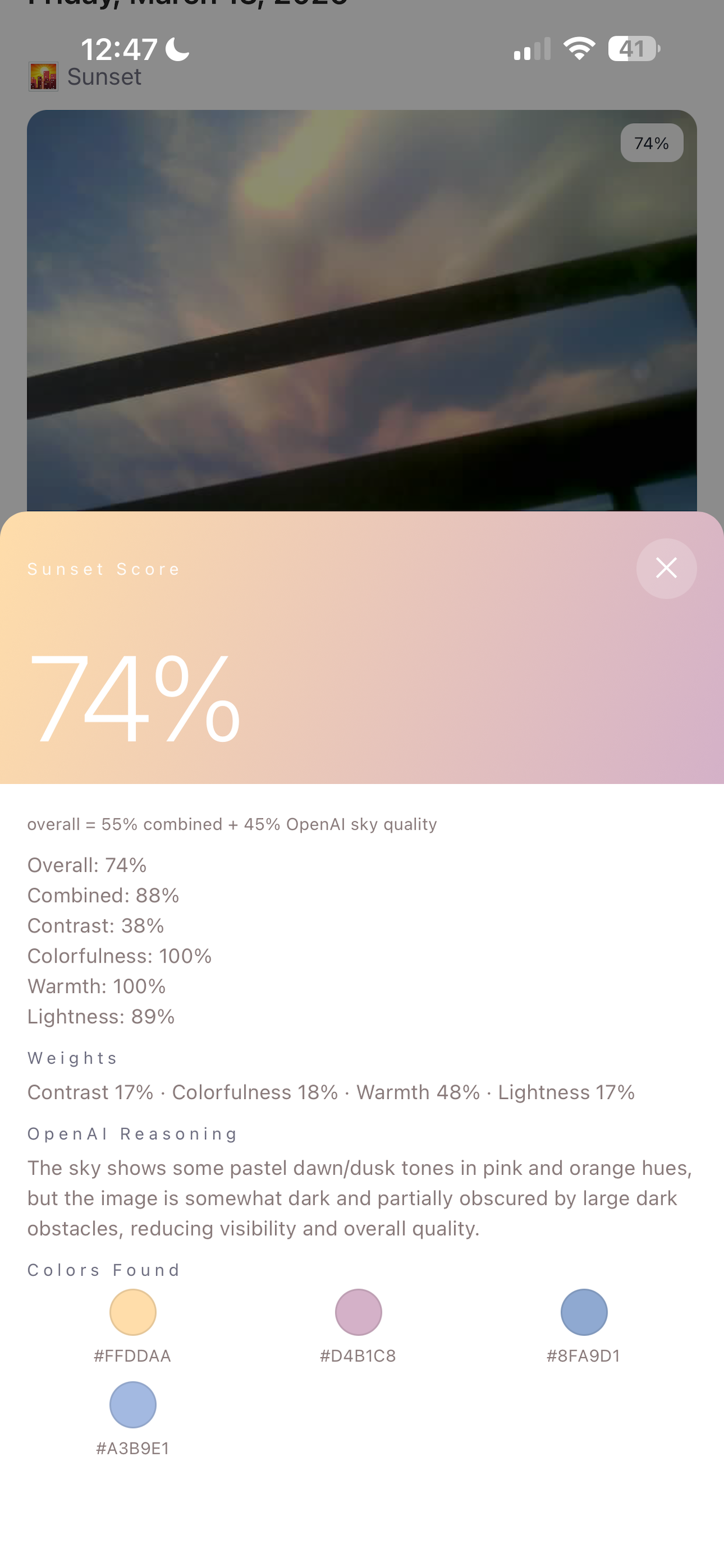
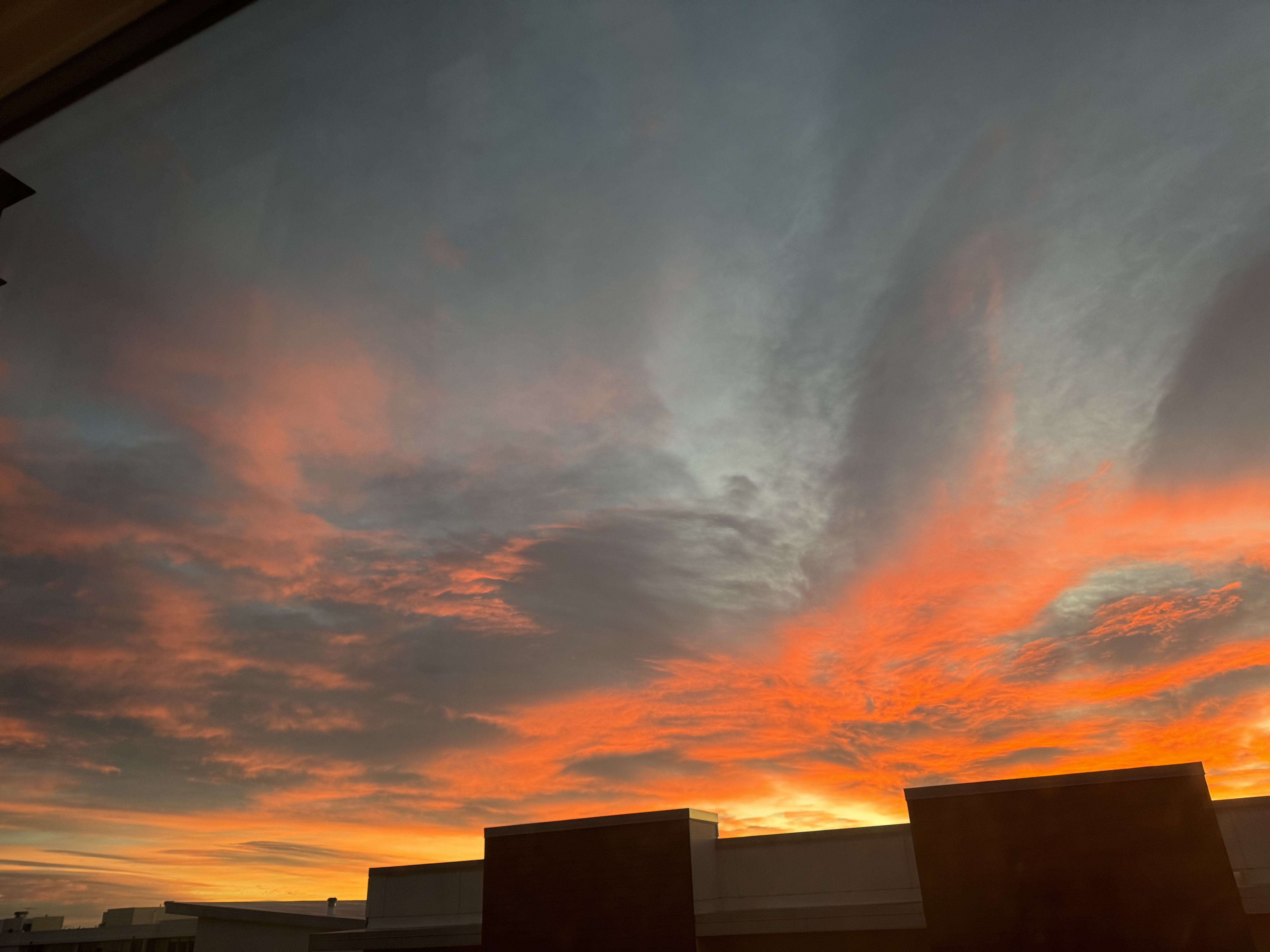
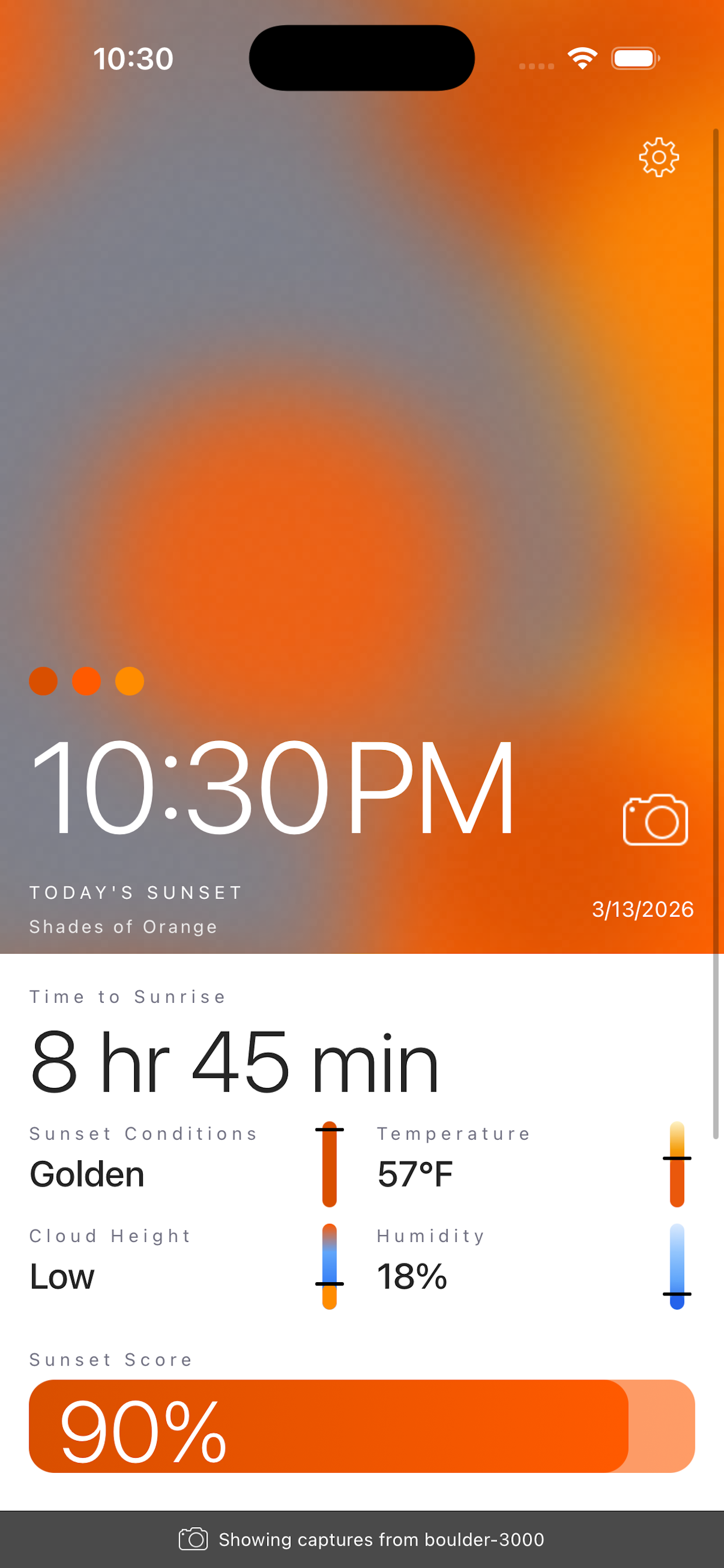
Each scheduled window photo is processed into a structured read of the sky: we look at color distribution across the frame (warm vs cool bands), how cleanly the gradient runs from horizon to zenith, edge contrast along the tree line or buildings, and coarse cloud structure—layering and texture that usually correlate with height and diffusion. Those signals are combined into a single sunset score you can compare night to night, not a weather forecast.
Sunrise uses the same pipeline on morning captures so your gallery and history stay consistent; scores are tuned for “golden” and post-glow quality the same way we treat evening light.
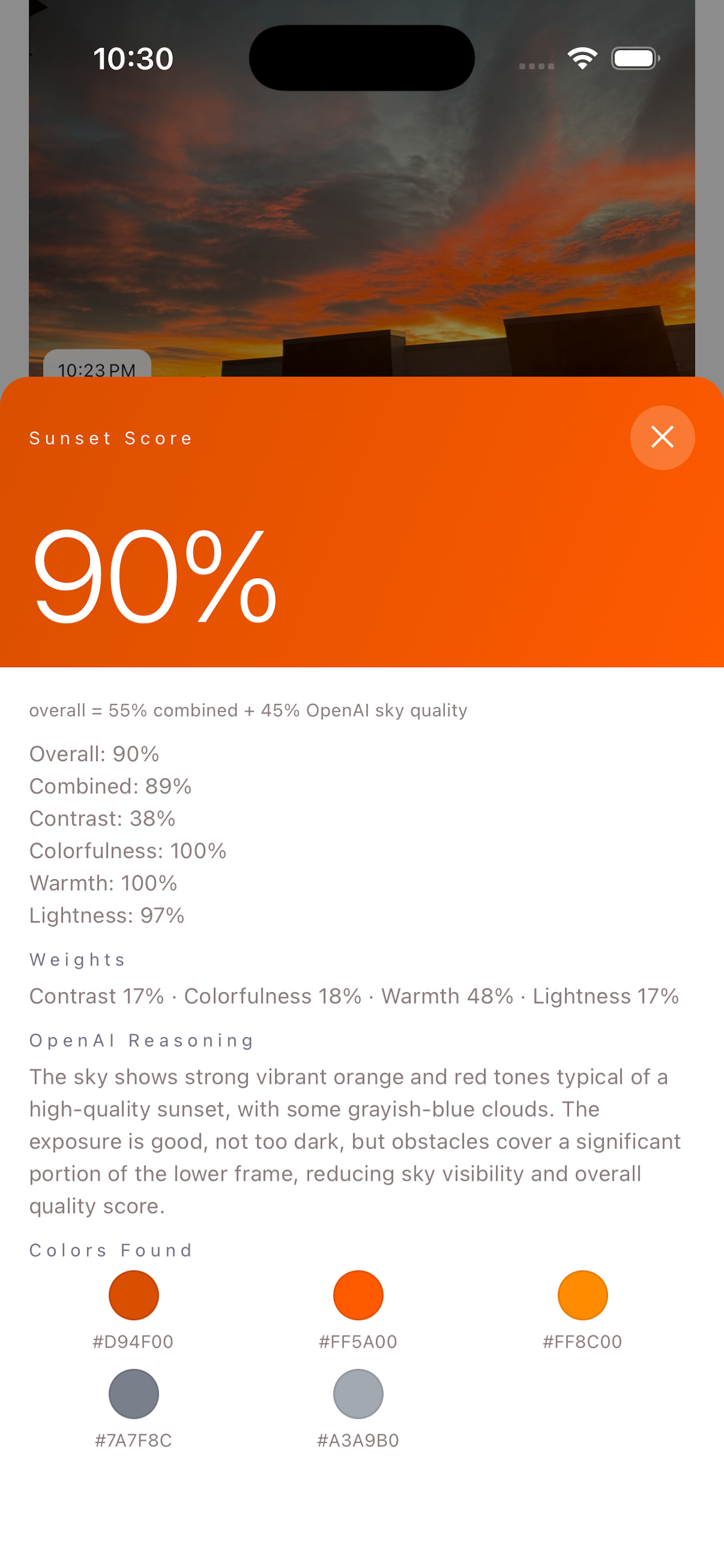
Example scores
Same breakdown sheet you see on a capture’s detail screen in the app—gradient header, formula summary, and per-signal lines (illustrative values below).
Alerts and your score threshold
In the app you choose a minimum score—the bar tonight’s sunset has to clear before we bother you. When a new capture finishes scoring and meets or beats that threshold, you can get a notification (respecting system permissions and the quiet hours you set). It’s optional: leave the threshold low to hear about almost every colorful evening, or raise it so you only get pinged when the sky really delivers.
Thresholds are a product control, not a guarantee of visibility from your exact window—clouds, haze, and timing still win in the real world.
How alerts look
When a capture clears your threshold, a push can look like the system banners below (layout varies by iOS version and focus settings).
Interested in the product or a pilot? Tell us—no spam, just a way to reach you when we open the next wave.
Apply for early access